-
-
$
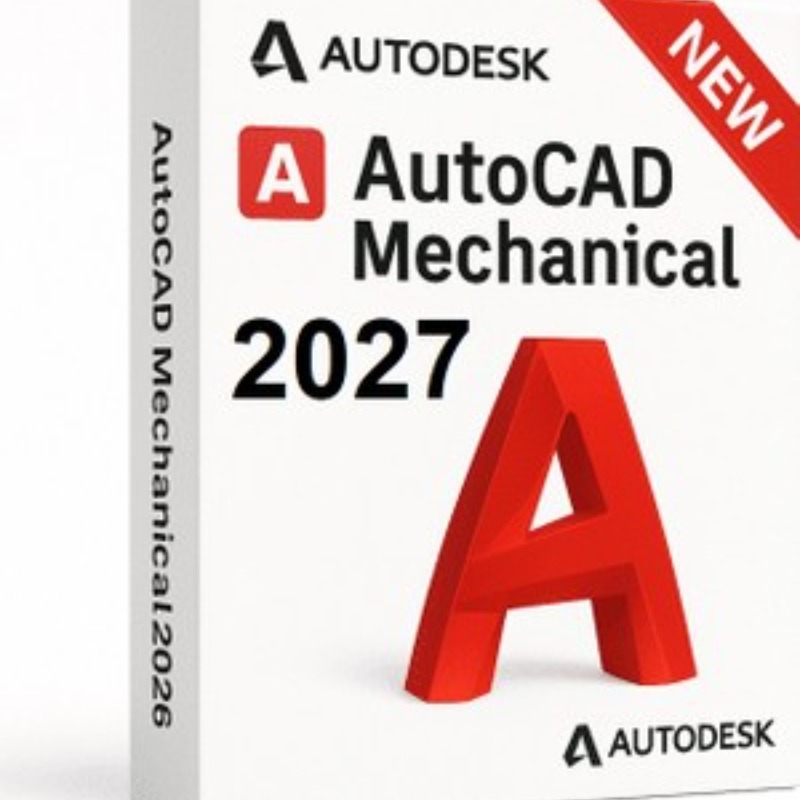
AutoCAD Mechanical 2027 brings targeted updates to manufacturing standards, expanded parts libraries, and a core platform overhaul focused on AI automation and smoother visual performance.
The essential feature updates, standard revisions, and quality-of-life additions for the 2027 Mechanical toolset include:
To ensure compliance with global manufacturing supply chains, the drafting utilities have been updated to support the latest industrial design revisions:
ISO 13715:2017 (Edge Symbols):
ASME Y14.5M-2018 (R2024): The ASME standards libraries have been expanded to native R2024 compliance.
The built-in library of over 700,000 standard parts has received a major localized update.
800+ New Standard Parts: More than 800 standard fasteners, steel profiles, bearings, and mechanical features have been updated or added across all major regional standards sets (including ISO, ANSI, DIN, JIS, BSI, CSN, and GB).
Language Support: These expanded library assets are immediately indexed and available natively across all global, localized iterations of the Mechanical toolset.
The baseline FIND command has been given deep integration with mechanical annotations.
You can now run a standard find-and-replace command directly through custom mechanical leader notes (AMNOTE).
Additionally, a dedicated Find and Replace contextual option has been added directly to the Leader Note ribbon tab, eliminating the need to click into or isolate individual annotation blocks to change engineering notes or callout specifications.
Autodesk heavily scrubbed the Mechanical-specific programming to fix several legacy crash triggers:
Content Library Proxies: A recurring stability issue involving faulty proxy elements within the content library has been resolved, preventing arbitrary workspace crashes.
Symbolic Xrefs: Running the REFEDIT command to perform in-place edits on external drawing references containing mechanical symbols no longer causes the application to lock up or crash.
Title Block Exchanges: Executing automated, multi-drawing script processing using the AMSCRIPT utility now fully and successfully pushes title block data exchanges without freezing downstream file queues.
Section Line Snapping: When using the AMSECTIONLINE tool, you can now snap flawlessly to precise vector coordinates right along the active section line while copying or moving it.
Because the Mechanical flavor runs on top of the base AutoCAD platform engine, it inherits all of the 2027 productivity and collaboration changes:
Geometry Cleanup Wizard: Accessible from the Manage tab, this tool scans mechanical layouts for tiny geometry errors like overshoots, micro-gaps, or angular deviations against custom-defined tolerances—letting you fix them before sending the file to production or CNC nesting software.
True Simultaneous Editing (Checkout): When drawings are saved within a cloud-managed Forma Data Management space, multiple team members can open the same file. You can "check out" a specific part or layout zone to edit in a safe Trace environment without locking out your coworkers.
Connected Support Files: Tool palettes, layer mapping styles, and user interface customizations (.cuix files) can be hosted on a central cloud server, auto-loading standard configurations for every drafting technician on the project.
Enhanced 3D Graphics Framework (GSF): Handling large coordinated component sets, materials, and heavy shadow occlusion is smoother.
To deploy AutoCAD Mechanical 2027, your system hardware needs to accommodate the baseline AutoCAD 2027 graphics engine along with the extra local disk space required for the 700,000+ manufacturing parts and engineering standards libraries.
As with the rest of the 2027 portfolio, Windows 10 is officially no longer supported—64-bit Windows 11 is completely mandatory.
| Component | Basic Minimum | Recommended Professional Spec |
| Operating System | 64-bit Microsoft Windows 11 | 64-bit Microsoft Windows 11 |
| Processor (CPU) | 2.5–2.9 GHz base frequency (with 8 logical cores; ARM not supported) | 3+ GHz base clock (4+ GHz Turbo/Boost) |
| Memory (RAM) | 16 GB | 32 GB (Crucial for large assembly drawings) |
| Hard Disk Space | 22.0 GB free space (10 GB base + 12 GB toolset allocation) | 22.0 GB free space (High-speed NVMe Gen4/5 SSD required) |
| Display Resolution | 1920 x 1080 with True Color | Up to 3840 x 2160 (4K UHD) |
| Graphics Card (GPU) | 2 GB VRAM DirectX 11 compliant / 29 GB/s Bandwidth | 8 GB to 12 GB VRAM DirectX 12 compliant / 106 GB/s Bandwidth |
| Framework | .NET 10 | .NET 10 |
No Return/refund
No Review Found.










 Nuance Software

.png)



Login To Comment